Table of Contents
Toggle3D printing has transformed how people create physical objects. This technology builds items layer by layer from digital designs. Manufacturers, hobbyists, and medical professionals now use 3D printing to produce everything from prototypes to prosthetics.
The global 3D printing market reached $18.33 billion in 2024. Experts project it will grow to over $83 billion by 2030. This growth reflects the technology’s expanding reach across industries and households alike.
This guide covers the fundamentals of 3D printing technology. Readers will learn how the process works, explore different printing methods, and discover practical applications. Whether someone wants to start a new hobby or carry out 3D printing in their business, this article provides the essential knowledge they need.
Key Takeaways
- 3D printing builds objects layer by layer from digital designs, making it ideal for prototypes, custom parts, and personalized products.
- The global 3D printing market is projected to grow from $18.33 billion in 2024 to over $83 billion by 2030.
- FDM printers are the most accessible option for beginners, with reliable models starting between $200 and $500.
- Industries from healthcare to aerospace use 3D printing to create everything from patient-specific surgical guides to lightweight aircraft components.
- Beginners should start with PLA filament, learn slicer software like Cura or PrusaSlicer, and join online communities for troubleshooting support.
How 3D Printing Works
3D printing, also called additive manufacturing, creates three-dimensional objects from digital files. The process differs from traditional manufacturing, which typically removes material from a larger block. Instead, 3D printing adds material layer by layer until the object takes shape.
The process starts with a 3D model. Designers create these models using computer-aided design (CAD) software or 3D scanners. The software then slices the model into hundreds or thousands of horizontal layers.
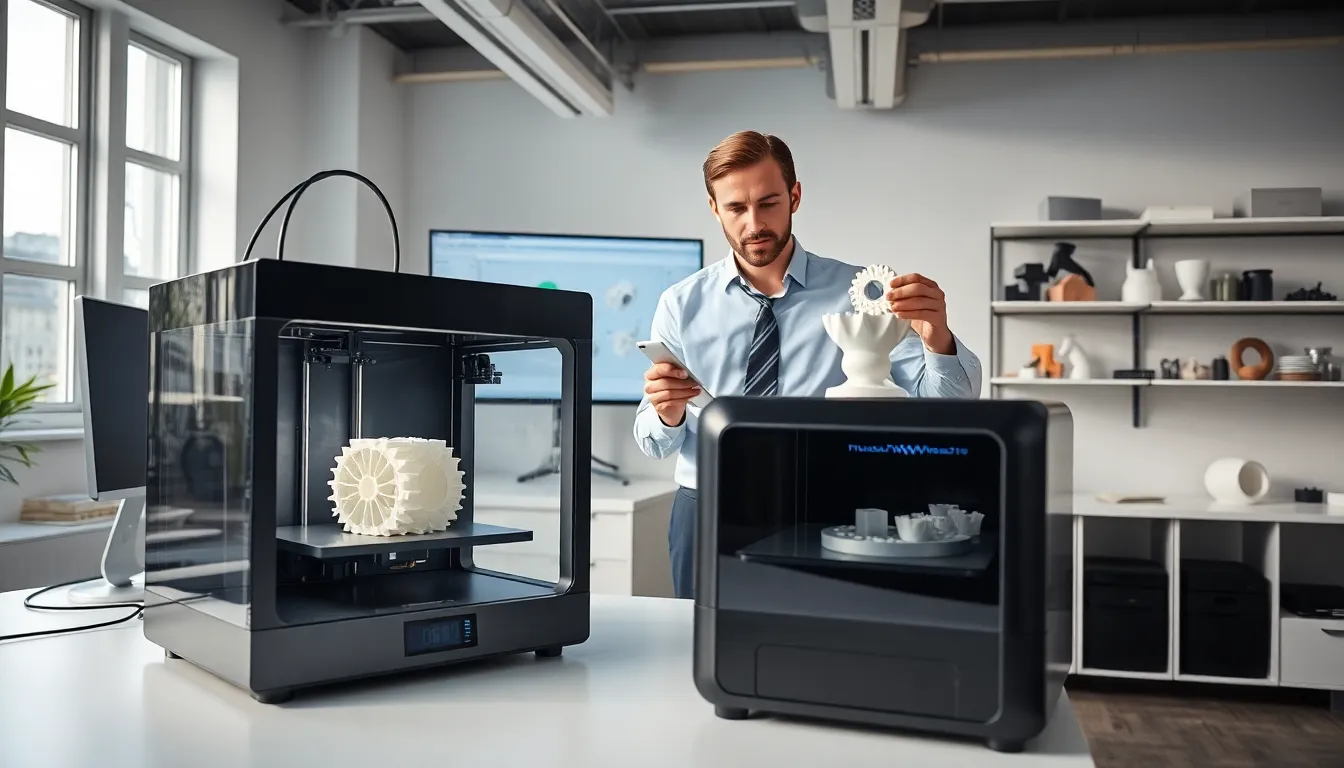
A 3D printer reads these sliced layers and deposits material accordingly. Most consumer 3D printers use plastic filament that melts and extrudes through a heated nozzle. The nozzle moves across a build platform, laying down one thin layer at a time. Each layer bonds to the previous one as the material cools.
Print times vary based on object size and complexity. A small figurine might take two hours. A large functional part could require 20 hours or more. Layer height also affects print time, thinner layers produce smoother surfaces but take longer to complete.
The beauty of 3D printing lies in its flexibility. Users can produce one-off custom items without the tooling costs associated with injection molding or CNC machining. This makes the technology ideal for prototypes, replacement parts, and personalized products.
Common Types of 3D Printing Technology
Several 3D printing technologies exist today. Each method offers distinct advantages for specific applications.
Fused Deposition Modeling (FDM)
FDM represents the most common 3D printing method for consumers and hobbyists. This technology melts plastic filament and extrudes it through a nozzle. Popular materials include PLA, ABS, and PETG. FDM printers cost between $200 and $5,000 for most desktop models. They work well for prototypes, household items, and educational projects.
Stereolithography (SLA)
SLA uses ultraviolet light to cure liquid resin into solid plastic. This method produces extremely detailed prints with smooth surface finishes. Jewelry designers, dentists, and engineers favor SLA for precision work. But, SLA requires more post-processing than FDM, including washing and additional UV curing.
Selective Laser Sintering (SLS)
SLS fuses powdered material using a high-powered laser. This technology works with nylon, metals, and ceramics. Industrial manufacturers use SLS for functional end-use parts. The process requires no support structures because the surrounding powder supports the object during printing.
Direct Metal Laser Sintering (DMLS)
DMLS specializes in metal 3D printing. Aerospace and medical industries rely on this technology for titanium implants, aluminum brackets, and steel components. DMLS machines cost hundreds of thousands of dollars, limiting their use to industrial applications.
Popular Applications Across Industries
3D printing has found its way into nearly every major industry. The technology solves problems that traditional manufacturing cannot address efficiently.
Healthcare and Medical
Hospitals use 3D printing to create patient-specific surgical guides. Surgeons practice complex procedures on 3D printed organ models before operating on actual patients. Dental labs produce crowns, bridges, and aligners using SLA printers. Prosthetics manufacturers create custom limbs at a fraction of traditional costs.
Aerospace and Automotive
Boeing and Airbus incorporate 3D printed parts in their aircraft. These lightweight components reduce fuel consumption. Automotive companies prototype new designs in days rather than weeks. Some manufacturers even produce limited-run car parts using 3D printing.
Consumer Products and Fashion
Eyewear companies offer custom-fitted frames printed to match individual face measurements. Shoe manufacturers experiment with 3D printed midsoles. Home decor brands sell unique vases, lamp shades, and furniture pieces made through additive manufacturing.
Education and Research
Schools use 3D printing to teach engineering, design, and biology concepts. Students can hold physical models of molecules, historical artifacts, or mechanical systems. Universities conduct research using custom lab equipment printed on demand.
Benefits and Limitations to Consider
3D printing offers significant advantages, but users should understand its limitations before investing.
Key Benefits
Rapid prototyping stands as the most celebrated advantage. Designers can test ideas in hours instead of weeks. This speed reduces development costs and accelerates product launches.
Customization becomes economically viable with 3D printing. Producing one custom item costs the same as producing a standard one. Mass customization opens new business models across industries.
Reduced waste appeals to environmentally conscious manufacturers. 3D printing uses only the material needed for each part. Traditional subtractive methods can waste 90% of raw materials.
On-demand production eliminates inventory costs. Companies can print replacement parts when customers need them rather than stockpiling components in warehouses.
Notable Limitations
Speed constraints affect high-volume production. 3D printing cannot match injection molding for producing thousands of identical parts quickly.
Material properties sometimes fall short. 3D printed plastics may lack the strength of traditionally manufactured equivalents. Surface finish often requires post-processing.
Size restrictions limit what desktop printers can produce. Most consumer machines have build volumes under one cubic foot. Larger industrial printers exist but cost significantly more.
Learning curve challenges beginners. Successful 3D printing requires understanding of materials, settings, and design principles. Expect failed prints during the learning process.
Getting Started With 3D Printing
Beginning a 3D printing journey requires some planning. Here’s how newcomers can start effectively.
Choose the right printer for specific needs. Hobbyists typically start with FDM printers in the $200-$500 range. Popular entry-level options include models from Creality, Prusa, and Bambu Lab. These machines offer reliable performance without overwhelming complexity.
Select appropriate materials based on intended projects. PLA filament works best for beginners. It prints at lower temperatures, produces minimal odor, and forgives minor setting errors. Once comfortable, users can explore PETG, ABS, or specialty materials.
Learn basic 3D modeling or find existing designs. Thingiverse, Printables, and MyMiniFactory host thousands of free 3D models. For custom projects, TinkerCAD offers a free browser-based design tool. Fusion 360 provides more advanced capabilities for serious designers.
Understand slicer software that prepares models for printing. Cura, PrusaSlicer, and Bambu Studio convert 3D models into printer instructions. These programs control layer height, print speed, infill density, and support structures.
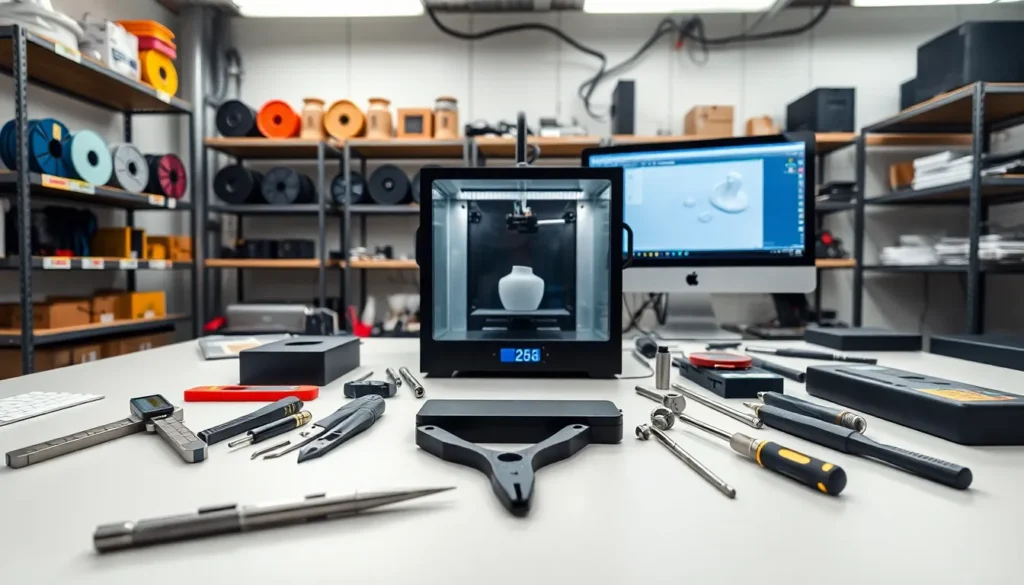
Set up a proper workspace with adequate ventilation. Some materials release particles during printing. A dedicated table with good lighting helps with printer maintenance and part inspection.
Join online communities for support and inspiration. Reddit’s r/3Dprinting, Facebook groups, and Discord servers connect beginners with experienced users. These communities troubleshoot problems and share project ideas.